
Beyond Hosting: How Your Website Can Power Your Whole Business
Stop treating your website like a digital brochure. Discover how to transform it into a powerful hub that streamlines operations, boosts sales, and delights clients.

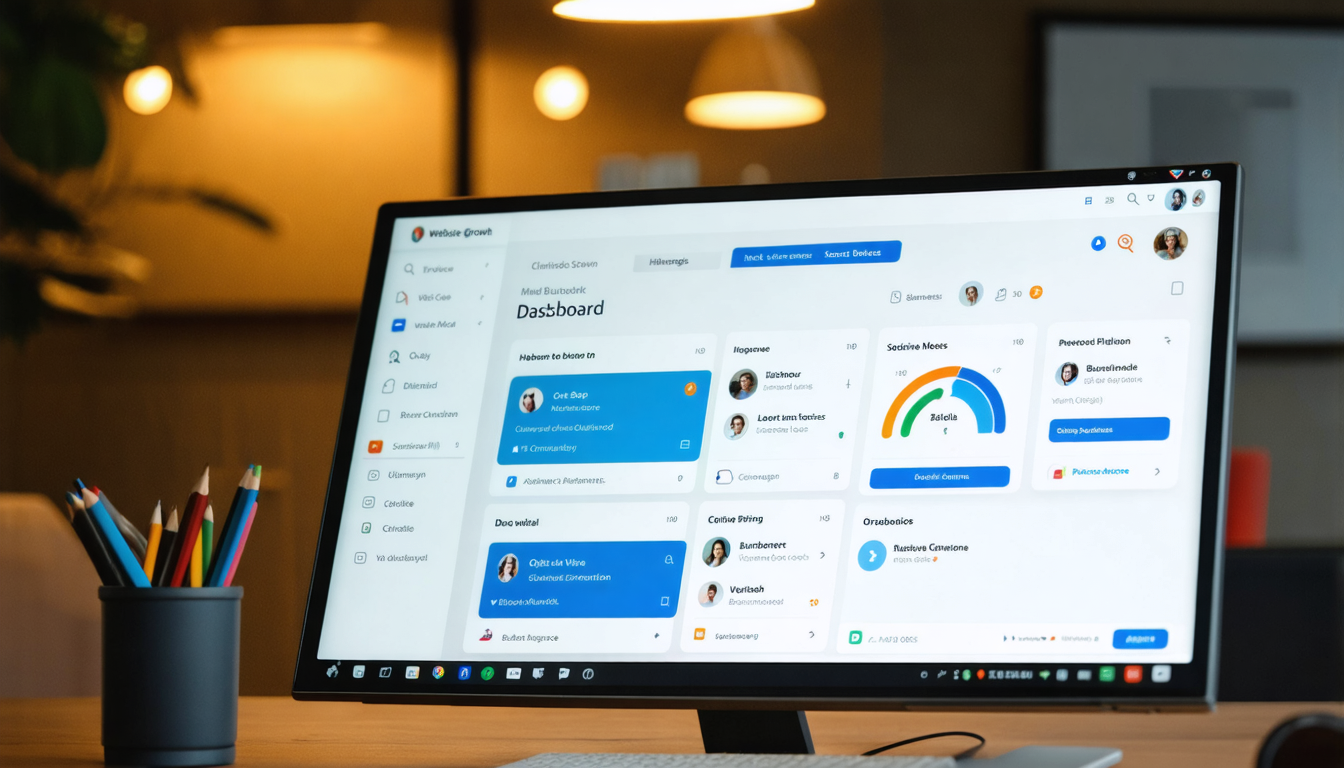
Intro
Does your website just… sit there? Many small businesses see their site as a digital signpost – essential for presence, sure, but not much more than an online brochure hosted somewhere. But what if your website could be the engine driving your entire operation, not just a passive passenger?
It's time to think beyond basic hosting and static pages. Your website holds untapped potential to automate tasks, streamline workflows, generate leads, close sales, and create amazing client experiences. Let's unlock that power.
Website Integration Quick Wins Checklist
Is your website working for you? See how many of these potential power-ups you're utilizing:
- [ ] Lead Capture to CRM: Are contact/quote forms automatically feeding leads into your Customer Relationship Management (CRM) system?
- [ ] Online Scheduling: Can clients book appointments or consultations directly on your site, syncing with your calendar? 🗓️
- [ ] Integrated Payments: Can clients pay invoices or purchase services/products directly through your website?
- [ ] Client Portal Access: Do you offer a secure area for clients to access documents, project updates, or account information?
- [ ] Email Marketing Integration: Are newsletter sign-ups or content downloads automatically adding contacts to your email marketing lists?
- [ ] Help Desk / Chat: Is there an integrated way for visitors or clients to get quick support directly from your site? 💬
- [ ] Feedback Collection: Are you using website forms or tools to gather testimonials or survey feedback post-service?
If you checked only a few (or none!), there's a huge opportunity waiting.
From Scattered Tasks to Streamlined Success
Think about Sarah, a freelance graphic designer. Initially, her website was just a portfolio. Leads emailed her, she manually checked her availability, emailed back and forth to schedule calls, sent PDF invoices, and chased payments via email. It worked, but it was time-consuming and prone to delays.
Then, Sarah decided to integrate. She added an online scheduler synced with her calendar. Her contact form now fed leads directly into a simple CRM. She implemented online proposals with integrated payment options. Suddenly, booking was automated, leads were organized, proposals looked professional, and payments came in faster. Her website wasn't just showing her work; it was doing work, freeing her up to focus on design and client relationships. That's the power of intelligent integration.
Tools & Steps to Power Up Your Website
Ready to make your website a business powerhouse? Here’s a simple framework:
- Audit Your Workflow: Map out your current processes for sales, client onboarding, project management, and support. Where are the bottlenecks? What takes the most manual effort?
- Identify Integration Opportunities: Based on your audit, pinpoint where website integration could save time or improve experience. (Refer back to the checklist!). Could online booking solve scheduling chaos? Could a client portal reduce status update emails?
- Explore the Tech Toolkit: Research tools that can bridge the gaps. You don't need everything at once! Consider:
- Scheduling: Calendly, Acuity Scheduling, SavvyCal
- CRM: HubSpot CRM (free tier), Zoho CRM, Pipedrive
- Payments: Stripe, PayPal, Square
- Email Marketing: Mailchimp, ConvertKit, ActiveCampaign
- Forms: Gravity Forms (WordPress), Typeform, Jotform
- Integration Platforms (Advanced): Zapier, Make (connects tools that don't naturally talk)
- Prioritize & Implement: Start with the integration that solves your biggest pain point or offers the clearest ROI. Don't try to boil the ocean. Implement one thing, test it thoroughly, and get comfortable before adding the next.
- Connect the Dots: Ensure data flows logically. E.g., A booked meeting via Calendly should create a contact in your CRM.
⚙️ Key Principle: Aim for seamless transitions. The goal is to make life easier for you and your clients.
Conclusion
Your website is far more than just hosting and a homepage. It can be the central command center for your small business, automating tasks, enhancing client interactions, and ultimately driving growth. By strategically integrating tools and workflows, you transform a static digital presence into a dynamic business asset.
Start small. Pick one integration from the checklist that resonates most. What's one bottleneck your website could help solve this month?
And remember, a powerful, integrated website needs a reliable foundation. If you're looking for rock-solid hosting and support that understands small business needs, explore how Marcoby can be the dependable base for your business hub.